
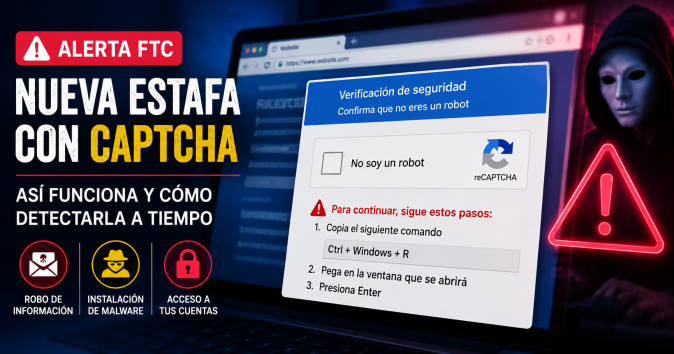
Cybersecurity authorities, including the FTC (Federal Trade Commission) and various cyber police agencies, have issued urgent alerts about a fraud scheme that uses fake CAPTCHAs to infect devices.
Unlike legitimate verifications that simply aim to confirm you are human, these scams manipulate users through social engineering to compromise their own systems.

The Scam Method: How It Works
This scam exploits habit. We are so accustomed to checking the “I’m not a robot” box that we let our guard down. Cybercriminals perfectly clone the visual interface of well-known tools (like Google’s reCAPTCHA) but add a series of additional and dangerous steps.
- Accessing the website: The user lands on a fraudulent page via a phishing link, a malicious ad, or a previously hacked website.
- Fake human verification: A pop-up screen or dialog box identical to a CAPTCHA appears, but claims the browser “needs additional verification” to load content.
- Malicious instructions (The hook): The page automatically copies malicious code to the user’s clipboard and displays explicit on-screen instructions, asking them to press the Windows + R key combination (to open the “Run” window), paste the content with Ctrl + V, and press Enter.
- Invisible infection: When the command is executed, it activates native system tools (like PowerShell) that download an infostealer-type virus (such as Lumma Stealer). The malware runs directly in the device’s memory, evading some traditional antivirus programs, and proceeds to extract saved passwords, session cookies, and banking data.
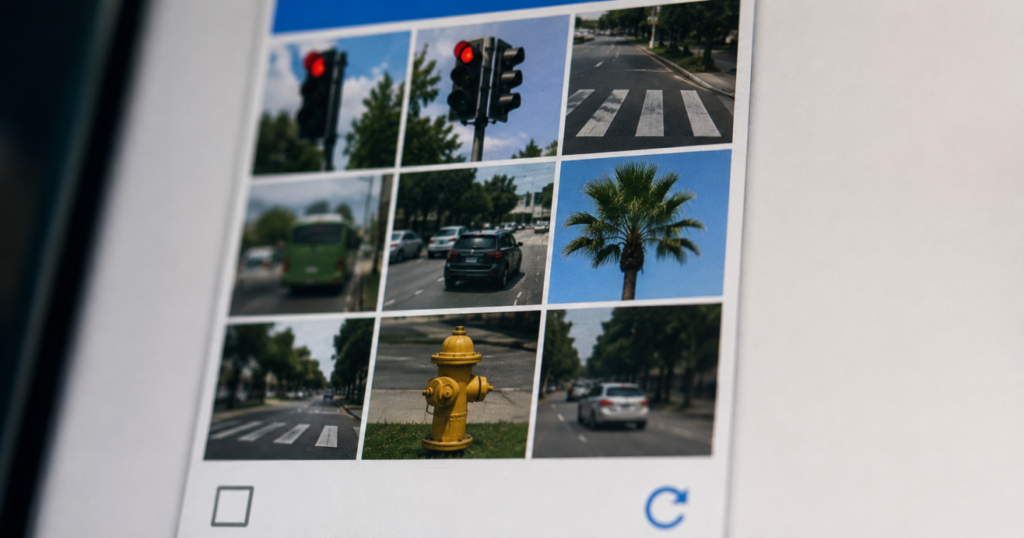
Warning Signs to Detect It in Time
A legitimate CAPTCHA runs strictly within the browser environment and never requires interacting with the operating system. Pay attention to the following signs:
- It asks you to use keyboard commands: If a site requires you to press key combinations outside the webpage (like
Win + R) or open the command terminal, it is 100% a scam. - It requests downloads or extensions: Real verification systems will never ask you to install add-ons, download
.zipor.exefiles, or enable suspicious push notifications. - Redirects to external apps: Recent campaigns direct users to their calling or messaging apps, preconfiguring the sending of high-cost international premium SMS. A real CAPTCHA will never open your device’s messaging app.
- Suspicious domains and URLs: Always check the address bar. Scams are often hosted on strange domains filled with random letters and numbers, far from the original site you intended to visit.
What to Do If You’ve Already Interacted With One
If you accidentally followed the instructions or downloaded the suggested file, act quickly to minimize the impact:
- Disconnect the device from the internet: Immediately turn off the Wi-Fi or unplug the network cable. This stops the malware from communicating with the attacker’s server and halts data leakage.
- Run a deep scan: Connect only to update your antimalware tool (such as Windows Defender or Malwarebytes) and perform a full system scan to locate and remove residual scripts.
- Change your credentials (From another device): The malware targets passwords stored in the browser. Use a clean device (like your mobile phone with cellular data) to change the passwords for your priority accounts: banking, email, and social media.
- Close active sessions: In the settings of your main accounts, select the option “Sign out of all devices” to invalidate any session cookies the criminals may have cloned.
Image: ElHispanoParaTodos/PRESS